Connect a custom domain to your Bool
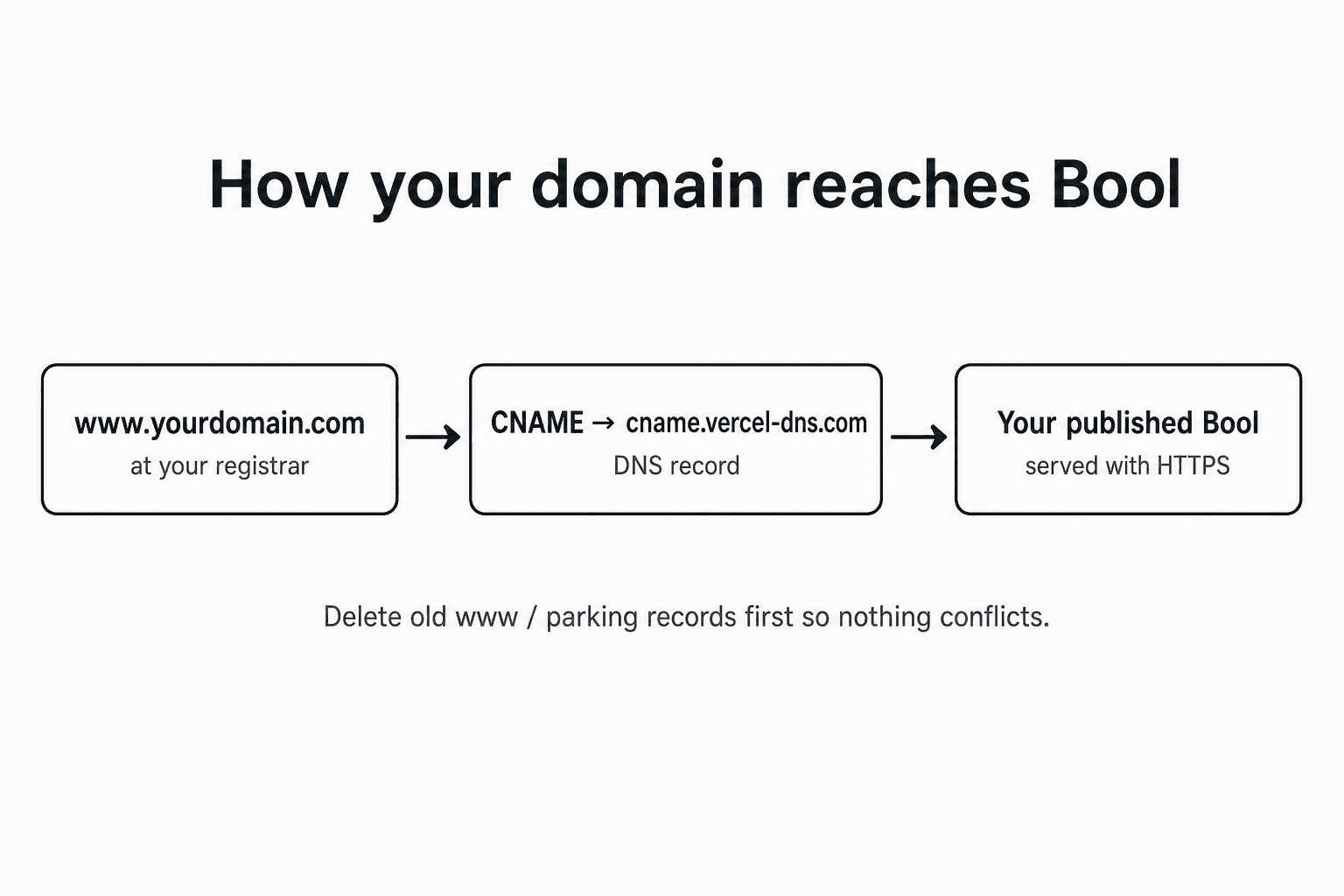
Point a domain you already own (for example www.yourdomain.com) at a published Bool. Bool handles HTTPS for you once DNS is correct.
Before you start
- Publish your Bool — custom domains only work for a live deployment.
- Add the domain in Bool — open your project → Dashboard → Domains, enter the hostname (for example
www.yourdomain.com), and save. - Copy the DNS values Bool shows — for most
wwwhosts that is:
| Type | Name / Host | Value / Target |
|---|---|---|
CNAME | www | cname.vercel-dns.com |
For the bare apex (yourdomain.com without www), Bool usually asks for an A record pointing at 76.76.21.21 instead. These registrar guides focus on the common www CNAME path.
- Update DNS at your registrar using the guide that matches where you bought the domain.
- Back in Bool, click Refresh on the domain until status flips to Active. Propagation often takes a few minutes and can take up to 48 hours.
Important rules that apply everywhere
- Delete any existing
wwwA, AAAA, or CNAME records (and parking pages) before adding the new CNAME. Conflicting records are the #1 failure mode. - Do not put
@in a CNAME host field forwww. The host is justwww. - Do not type a trailing period unless your registrar explicitly requires an FQDN.
- Leave TTL on Automatic when available.
Pick your registrar
| Registrar | Guide |
|---|---|
| GoDaddy | Domain Portfolio → DNS → CNAME for www |
| Namecheap | Advanced DNS → Host Records |
| Cloudflare | DNS Records — must be DNS only (gray cloud) |
| Porkbun | Details → DNS Records |
| Dynadot | DNS Settings → Subdomain Record |
| Squarespace Domains | Delete Squarespace Defaults first |
| NameSilo | Remove PARKED records, then add CNAME |
| Hostinger | hPanel → Domains → DNS |
| Misk | Essentials → DNS |
| Hover | Domain Overview → DNS |
After DNS is set
- Wait a few minutes.
- In Bool, open Domains and click Refresh.
- When status is Active, visit
https://www.yourdomain.com— you should see your Bool over HTTPS.
If verification still fails, see Troubleshooting.
Last updated on