Connect a domain from Cloudflare
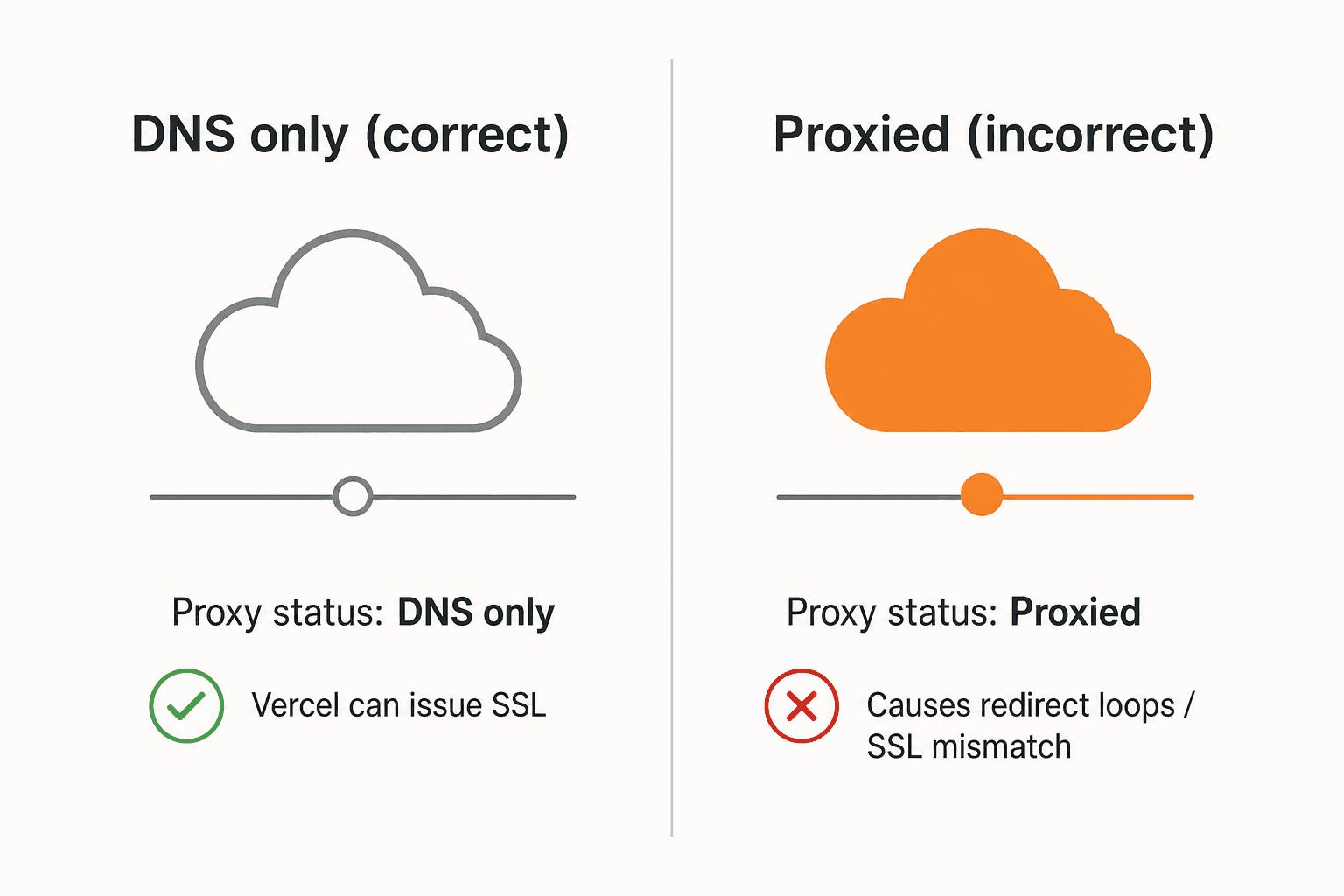
Cloudflare is different from a typical registrar UI because of its edge proxy. For Bool (and Vercel’s TLS), the www record must be DNS only — not Proxied.
Record to create
| Field | Value |
|---|---|
| Type | CNAME |
| Name | www |
| Target | cname.vercel-dns.com |
| Proxy status | DNS only (gray cloud) |
Critical: Leaving Proxy status on Proxied (orange cloud) often causes infinite redirects or SSL mismatches. Switch it to DNS only.
Steps
- Log into the Cloudflare dashboard and select your domain.
- Open DNS → Records.
- Pre-configuration check: Delete any existing A, AAAA, or CNAME records for
www. - Click Add record.
- Set Type to
CNAME. - In Name, enter
www. - In Target, enter
cname.vercel-dns.com. - Set Proxy status to DNS only (gray cloud icon).
- Click Save.
Finish in Bool
- Add
www.yourdomain.comunder Domains in your Bool project. - Click Refresh until status is Active.
- Visit
https://www.yourdomain.com.
Apex domains on Cloudflare
If you connect the bare apex (yourdomain.com) instead of www, Cloudflare’s CNAME flattening can point @ at cname.vercel-dns.com, or you can use an A record to 76.76.21.21. Either way, keep Proxy status DNS only while Bool issues the certificate.
Last updated on